Cloud & SecurityExplained
AWS free credits: what happens when they run out?
By TrioFlare teamPublished Reviewed 4 min read
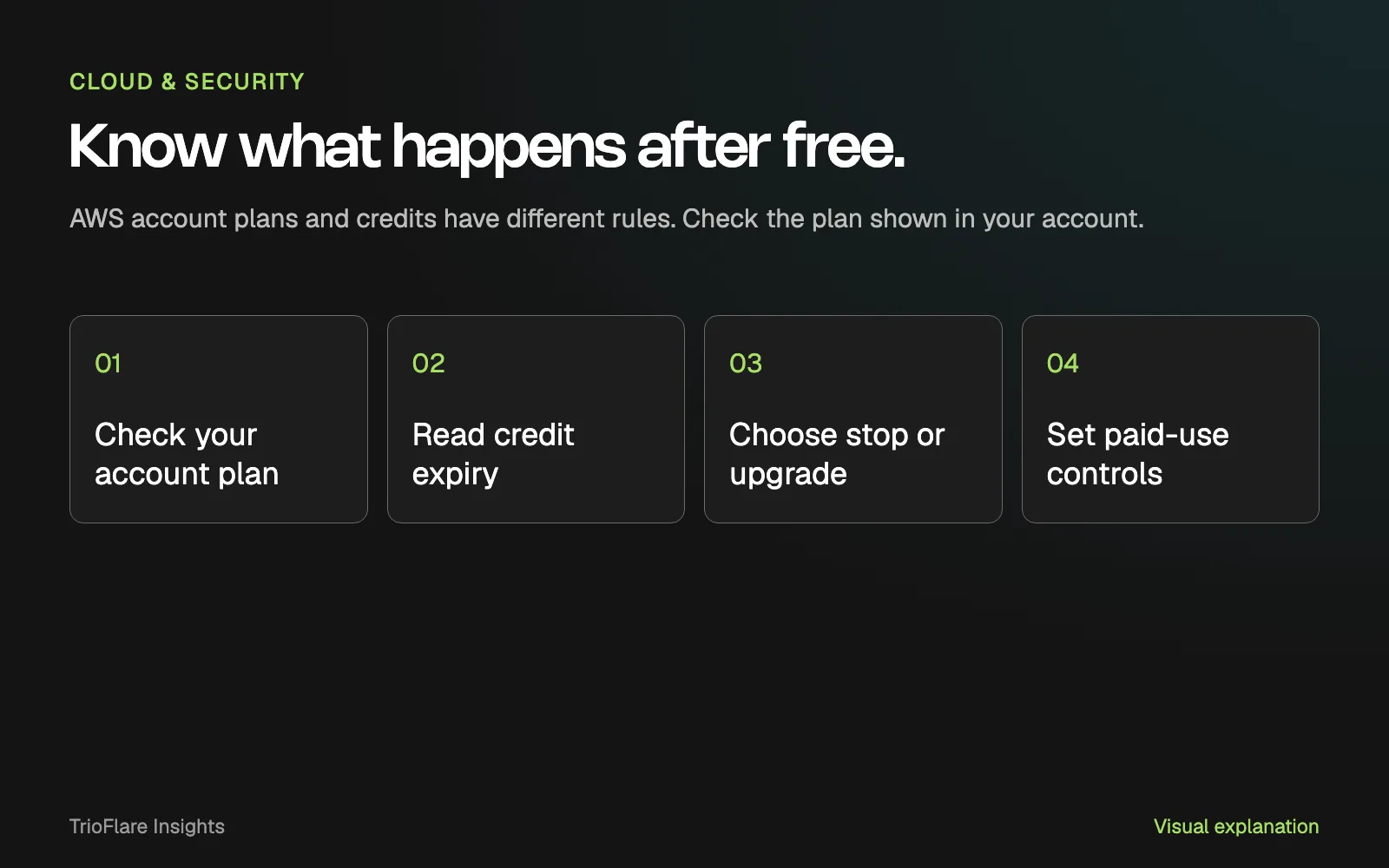
Select an image to open a larger version.
Check the plan shown in your AWS account before assuming that a free project will keep running or quietly become paid. Credit balance and plan duration are separate limits. Make the decision to stop, export or upgrade while you still have access and time to prepare.
This guide was checked on 31 October 2026. AWS has different signup experiences and account arrangements. Follow the documentation for the plan you actually have, especially if your account predates the newer credit-based plans.
The useful question is simple: what will happen to this particular project next, and who is responsible for that decision?
Find the plan before reading the headline offer
Open the billing area and identify the plan. Record the name exactly as it appears. If you use the newer AWS Settings experience, its billing guide describes where to find credits, remaining Free Tier time and cost by project.
Keep the account owner involved. Someone who can build an app may not have the permissions or business responsibility to upgrade its billing plan. Agree who can make that change before a deadline arrives.
Write down what the project does and whether anyone depends on it. A disposable experiment and a live booking tool need different exit plans. A reminder to “deal with it later” becomes much less useful once customers are using the link.
Separate the credit offer from your actual balance
AWS’s account-plan documentation describes a USD $100 sign-up credit for eligible new customers and up to another USD $100 through qualifying activities. The chart below compares those offer amounts. It does not show a real account balance.
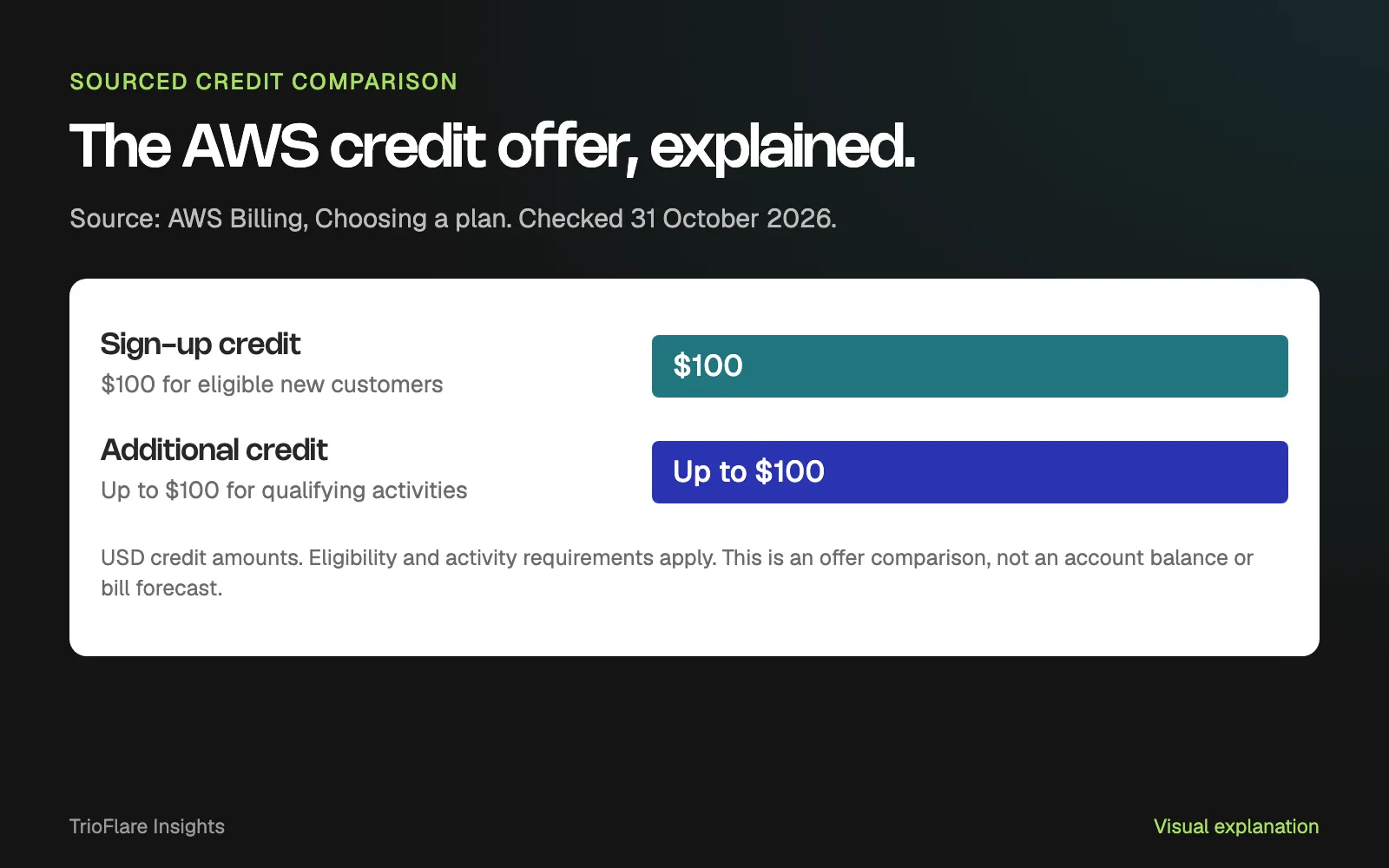
Source: AWS Billing, Choosing a plan. Checked 31 October 2026. The second amount is conditional; this is not a spending forecast.
Use the account’s actual balance for your planning. Check which credits are present, what they cover and when they expire. Do not include an advertised extra credit until you know that you have earned it and can use it for the relevant service.
If you keep a project note, include the date you checked the balance. A number copied into a planning document can become stale while the resources keep running.
Know what the end of free means for your plan
For the Free account plan described in AWS Billing, the plan ends when its time limit or credit allowance is reached. That documentation says account access closes on expiry unless the plan is upgraded. The Paid plan can incur charges beyond applicable credits. Read the plan comparison and conditions for the precise rules.
The Free Tier FAQ also distinguishes plan expiry and credit expiry. Record the relevant dates from your own account instead of treating every mention of “free” as the same offer.
| Check | Why it matters |
|---|---|
| Account plan | Determines the applicable stop-or-pay behaviour |
| Credit balance | Shows the allowance currently available |
| Plan and credit expiry | Helps you schedule the decision before access changes |
| Services and resources | Shows what the project still depends on |
| Approved owner | Makes the upgrade or shutdown decision accountable |
Before any shutdown, export what you need and verify that you can use the export. Keep the domain, application data and any external integration in the review. Do not assume that saving the source code saves everything the running application needs.
Check what the spending control actually does
AWS announced a new getting-started experience in September 2026, including project-based administration and paid-plan spending controls. Those features should not be assumed to describe every older or advanced AWS account.
Ask a direct question about any alert or limit you configure: does it send a notification, take an action or pause a project? Which services and charges are covered? Who receives the message, and what should they do when it arrives?
Check the answer in the documentation for the specific control. An email alert that nobody reads is a weak handover. Put the owner and the response in the project note alongside the threshold.
Treat a control’s consequences as part of the design. If a project pauses, your team needs to know what a customer will see and how the service is restored. A controlled stop can still be disruptive when nobody expects it.
Clear up the experiment before it becomes a mystery
List the resources you created, including temporary databases, storage and services used during setup. Ask the person who built the project to explain what each item is still needed for.
Remove an unused resource only after checking its dependencies and saving required data. Then verify the main application journey again. A clean resource list makes future decisions easier than a pile of forgotten tests.
Use the checklist below before the next expiry or upgrade decision. If the project is becoming part of your business, our cloud team can help plan hosting, ownership, backups and costs around how it will actually be used.
Try this on your own project
Checks reset when you reload this page.
Key takeaways
- Credit balance, plan duration and paid usage are different things to check.
- The rules depend on your account and the signup experience you use.
- Make the stop-or-upgrade decision before the project depends on it.