Tech News & TrendsNews & analysis
Google’s new business AI tools: what’s worth your time?
By TrioFlare teamPublished Reviewed 3 min read
Select an image to open a larger version.
Google’s new Gemini business tools are worth approaching through one useful task. Pick something you already understand, try it with a non-sensitive example and check the result. That will tell you more than opening every feature at once.
This is news and analysis of Google’s 20 October 2026 announcement, checked on 31 October. It is not a hands-on review or a report of measured time savings.
What Google announced
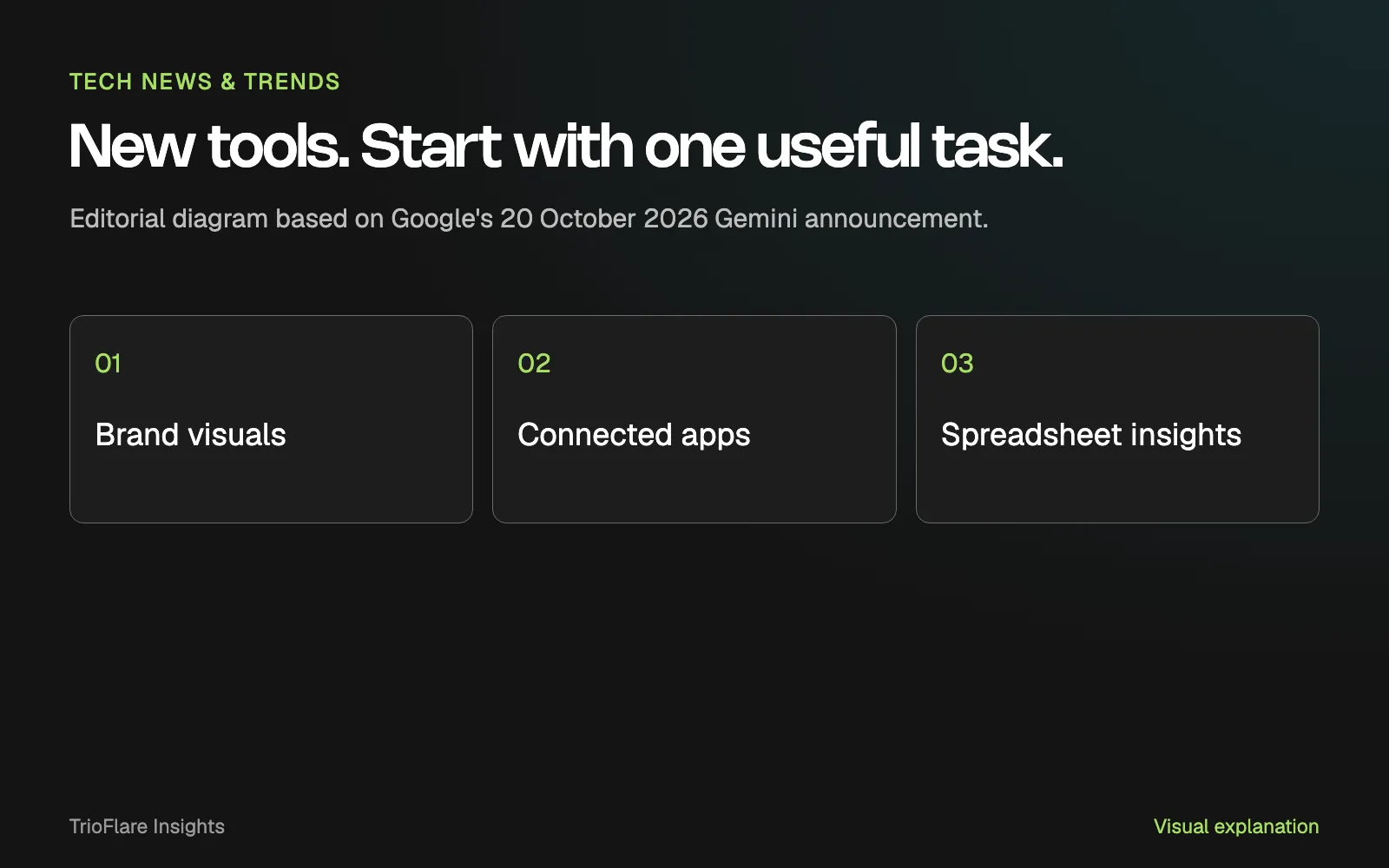
Google described a new business landing page, support for brand-style visuals, connected apps and ways to work with financial information. Its announcement says the business page and related features are beginning a global rollout.
For a small team, the practical question is which part fits a job you already do. Check the features available in your account before deciding to build a business process around the announcement.
Pick a task with a clear answer
Start with a task where you can recognise a useful result. A product-description draft can be checked against the actual product details. A sample spreadsheet can be checked against its totals. A brand asset can be checked against your approved design rules.
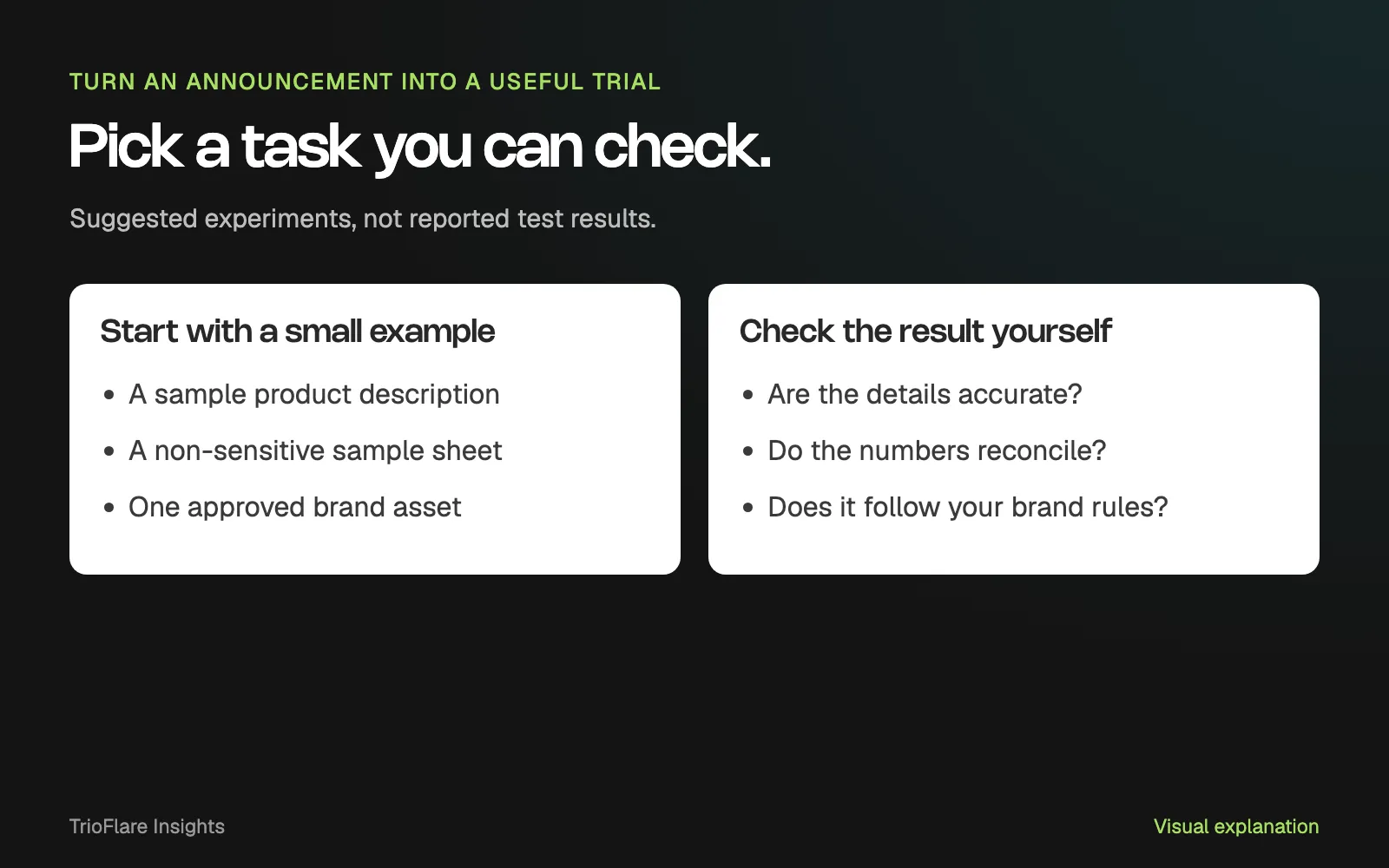
Suggested experiments. These are not results from a product test.
Write down what you want before opening the tool. Include the information that must stay correct and the action that still needs your approval. Keep the first attempt small enough to review properly.
If the result needs editing, note what was wrong. A repeated factual mistake or a chart that needs constant correction matters more than a polished first impression.
Look closely before connecting an app
Connecting a business tool changes the question from what the assistant can write to what it can access or do. Read the permission choices and start with the access needed for your trial.
Google’s permissions guide explains choices such as allowing a particular action once or saving a permission preference. Check the current settings for the app you connect.
Keep a person responsible for external messages, record changes and commercial commitments. Try the workflow with sample information before using details that belong to customers or colleagues.
Decide whether it belongs in your working day
After a few comparable tasks, review the whole process. Did the tool make the work easier to prepare, check and finish? Include the time spent correcting the output and dealing with permissions or handovers.
Keep the feature that helps a real task. Leave room to stop a trial that produces more checking than useful work. A small experiment gives you a clearer next decision than moving several systems at once.
For a practical example of a bounded task, read our human-reviewed customer-reply workflow. It shows how to keep an original enquiry, a draft and the final decision together.
Try this on your own project
Checks reset when you reload this page.
Key takeaways
- Start with one task you can judge against a clear expected result.
- An announcement describes features, not a measured result for your business.
- Review permissions and outputs before relying on a connected workflow.