SEO & GrowthExplained
Google's November core update is rolling out: what to do (and not do)
By TrioFlare teamPublished Reviewed 5 min read
Select an image to open a larger version.
If your Google traffic moves this month, the sensible first step is to wait. Google started rolling out its November 2026 core update on 10 November, and it may take up to two weeks to finish. Changes during that time are normal, and most small businesses have nothing urgent to fix.
This is an explainer based on Google’s own announcement and documentation, checked on 11 November 2026, when the rollout was still in progress.
What Google announced
Google posted the update on its Search Status Dashboard, the page where it lists ranking updates and service problems. The entry says the November 2026 core update applies globally and to all languages, and that the rollout may take up to two weeks to complete.
That means it affects searches in India, the US, the UK, South Africa and everywhere else. It is not limited to one country or one type of business.
What a core update is
Google’s ranking systems decide which pages appear for a search, and in what order. A core update is a broad change to those systems. Google’s core updates guide says it makes these changes several times a year, and that they “don’t target specific sites or individual web pages.”
Google explains it with a list of favourite restaurants. If you update the list, some restaurants move down. That does not mean they got worse. Others may simply now fit the list better.
What it is not
A core update is not a penalty. A penalty, which Google calls a manual action, is when a person at Google finds that a site broke its spam rules. If that happens, you get a message in Search Console, Google’s free tool for site owners. A core update sends no such message, because nothing was “caught”.
It is also not a list of new rules to follow. Google does not publish a checklist for each update, so be careful with anyone who claims to know exactly what this one rewards.
What not to do during the rollout
Rankings can rise and fall several times while an update rolls out. Reacting to each movement usually causes more trouble than it solves.
During the rollout, avoid:
- rewriting pages that were doing well last month;
- deleting pages or blog posts in a hurry;
- changing page titles across the whole site at once;
- buying a “core update recovery” package before you know what changed.
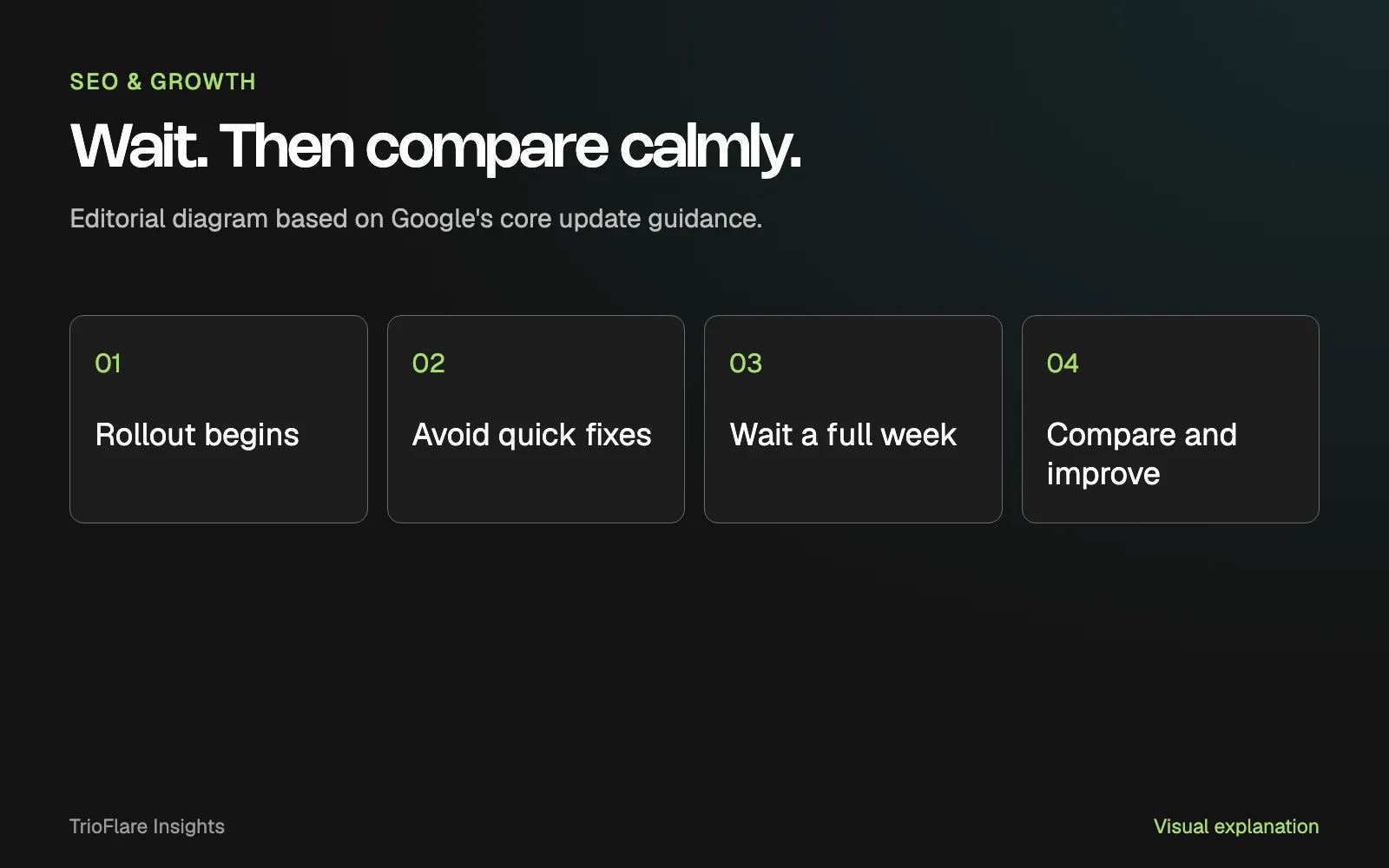
Google’s guide specifically says to avoid “quick fix” changes, such as removing a page element because you heard it hurts SEO. If you change many things at once, you also lose the ability to tell what helped.
Carry on with normal work: answering enquiries, publishing what you had planned and fixing genuine errors such as a broken contact form.
How to check your traffic after the rollout
Google recommends waiting at least a full week after the update completes before you study your data. Keep an eye on the status dashboard entry to see when Google marks it as finished.
Compare the right weeks
In Search Console, open the Performance report and use the date comparison option. Google suggests comparing a week after the update with a week before the rollout started, which here means a week before 10 November.
Look at clicks, impressions (how often your pages were shown) and average position. Then look at which pages and searches changed the most.
Allow for the season
Some of the change may have nothing to do with the update. Google’s guide to debugging traffic drops notes that the time of year changes what people search for. It suggests checking Google Trends to see whether a drop affects only your site or the whole topic.
This matters in November. If the rollout takes the full two weeks, it will finish close to Black Friday on 27 November, and many shops see unusual demand around then. Search Console’s year-over-year comparison can help you see whether last November looked similar.
Decide how big the change is
Google separates small drops from large ones. Moving from position 2 to position 4 is a small change, and Google says there is no need for drastic action. A large drop that lasts across many pages is worth a deeper review.
If you lost a lot of traffic
Start with your most affected pages and read them as a customer would. Google’s guide asks you to check whether the whole site offers helpful, reliable content made for people first. Its self-assessment questions are a good place to begin.
Practical questions to ask:
- Does the page answer the question someone searched for, near the top?
- Is the information current, including prices, services and contact details?
- Would a customer trust it? Is it clear who runs the business?
- Do the pages that now rank above you answer the question better?
Ask someone outside your business to give an honest opinion too. It is hard to judge your own pages.
Then make lasting improvements. Rewrite thin pages properly, combine near-duplicate ones and make information easier to find. Google treats deleting content as a last resort, mainly for pages written for search engines rather than people.
How long recovery takes
Be patient. Google says some changes take effect within a few days, but it can take several months for its systems to recognise that a site has improved. Sometimes the next core update is when you see the result. Google is also clear that improvements do not guarantee a return to earlier rankings.
Common questions
Has my site been penalised?
Probably not. A core update is a broad change to how Google ranks pages, not an action against your site. Check the Manual actions section in Search Console. If it shows no issues, you have not received a penalty.
Should I change my website now?
Not because of the update. Wait until the rollout finishes, then wait at least one more week before deciding. Fix real problems, such as broken pages or wrong contact details, whenever you find them.
My traffic went up. Is that permanent?
Not necessarily. Rankings can move during and after a rollout. Treat any gain as good news, keep improving your pages and recheck once the update has settled.
Does this update affect AI answers in Google too?
Google’s announcement does not say. It describes a core update that applies globally and to all languages, without more detail. We would not guess beyond that.
A calm next step
Write down today’s date, note where your main pages stand in Search Console and come back once Google marks the rollout complete. That simple record will make the comparison much easier.
If you would like a second pair of eyes on your Search Console data after the update, our SEO service can help you read it and decide what is worth changing. You can also contact us with a question.
Try this on your own project
Checks reset when you reload this page.
Key takeaways
- A core update is a broad change to Google Search, not a penalty.
- Movement during the rollout is normal and not a reason to panic-edit.
- Judge the effect with Search Console data after the rollout ends.
- Pages that help people are the long-term answer, not quick tweaks.