Tech News & TrendsTutorial
ChatGPT now lets you claim your business. Should you?
By TrioFlare teamPublished Reviewed 6 min read
Select an image to open a larger version.
Yes, most small businesses should claim their profile if ChatGPT offers one. It costs a little time, it lets you correct your own details, and it shows you how often ChatGPT mentions you. Just don’t expect it to move you higher in ChatGPT’s answers, because OpenAI says it won’t.
This guide is based on OpenAI’s 10 November 2026 announcement and its help pages, checked on 11 November 2026. It is not a paid review, and the feature is still in beta, so details may change.
What OpenAI launched
OpenAI calls the feature Businesses in ChatGPT. It has two parts.
The first is Business Hub. This is where an owner claims a business, updates its details and sees insights. You open it from the ChatGPT sidebar.
The second is Business Agents. An agent is a chat assistant set up by the business, which people can talk to from the business profile. It answers questions about what you sell and helps people compare options. At launch, OpenAI says agents are only for eligible ecommerce and online service businesses in the US.
What a claimed profile gives you
Once your claim and identity check are approved, you can update details such as your website, business description and logo. Online sellers can also add a product feed, which is a file or connection listing your products with current prices and stock. OpenAI says ChatGPT may use this information when it answers questions.
You also get insights covering the past 28 days. These include how often ChatGPT mentions your business, how many clicks go to your website and the common topics in answers that mention you. OpenAI says these numbers are grouped together and only appear once there is enough activity, so a blank figure does not always mean zero.
A click in these reports is a click, not a sale or an enquiry. Use it as a rough signal alongside your own website analytics.
What claiming does not do
This is the most important part to understand before you spend time on it.
It does not buy better placement
OpenAI’s Businesses in ChatGPT page says ChatGPT continues to make independent recommendations, and that claiming does not guarantee higher placement or sales. Treat a profile as a way to keep your details correct, not as a ranking tool.
It does not give you full control
According to OpenAI’s setup guide, OpenAI reviews changes before they appear, and updates can take time to show. ChatGPT may also use other sources when it answers questions about your business.
It does not show you what customers typed
OpenAI says it does not share people’s conversations, or their chats with a Business Agent, with businesses. You see totals and topics, not individual chats.
Ads are a separate thing
Businesses can pay for ChatGPT ads, including sponsoring their Business Agent. OpenAI says sponsored placements are labelled and kept separate from ChatGPT’s own answers.
What it costs
We did not find any fee for claiming a business on OpenAI’s pages. Ads are a separate paid product. OpenAI has not said whether claiming will stay free after the beta, so check the current terms before you start.
Who can claim right now
OpenAI says any eligible business located where ChatGPT is available can claim through Business Hub. You must own the business or be authorised to represent it. You do not need an ads account or a ChatGPT Enterprise agreement.
There are limits at launch:
- Eligibility depends on your industry, location and OpenAI’s verification checks.
- Local stores and restaurants can only claim an existing listing in the US. They cannot add a new one yet.
For readers in India, the UK or South Africa: an online business with a website may be able to claim now, but we could not confirm from OpenAI’s pages how quickly claims outside the US are being approved. Try it and see what Business Hub offers you.
How to claim your business, step by step
These steps follow OpenAI’s setup guide. The exact screens may differ for your business.
1. Get your details in order first
Before you claim, make sure your business name, address, phone number, opening hours and services match on your website, your Google Business Profile and any major directory you use. Verification and identity checks are easier when every record agrees. It also gives ChatGPT one consistent version of your business to draw on.
2. Use an account the business controls
Sign in to ChatGPT with an account tied to the business, ideally a business email address. Avoid a personal account belonging to one staff member who may leave.
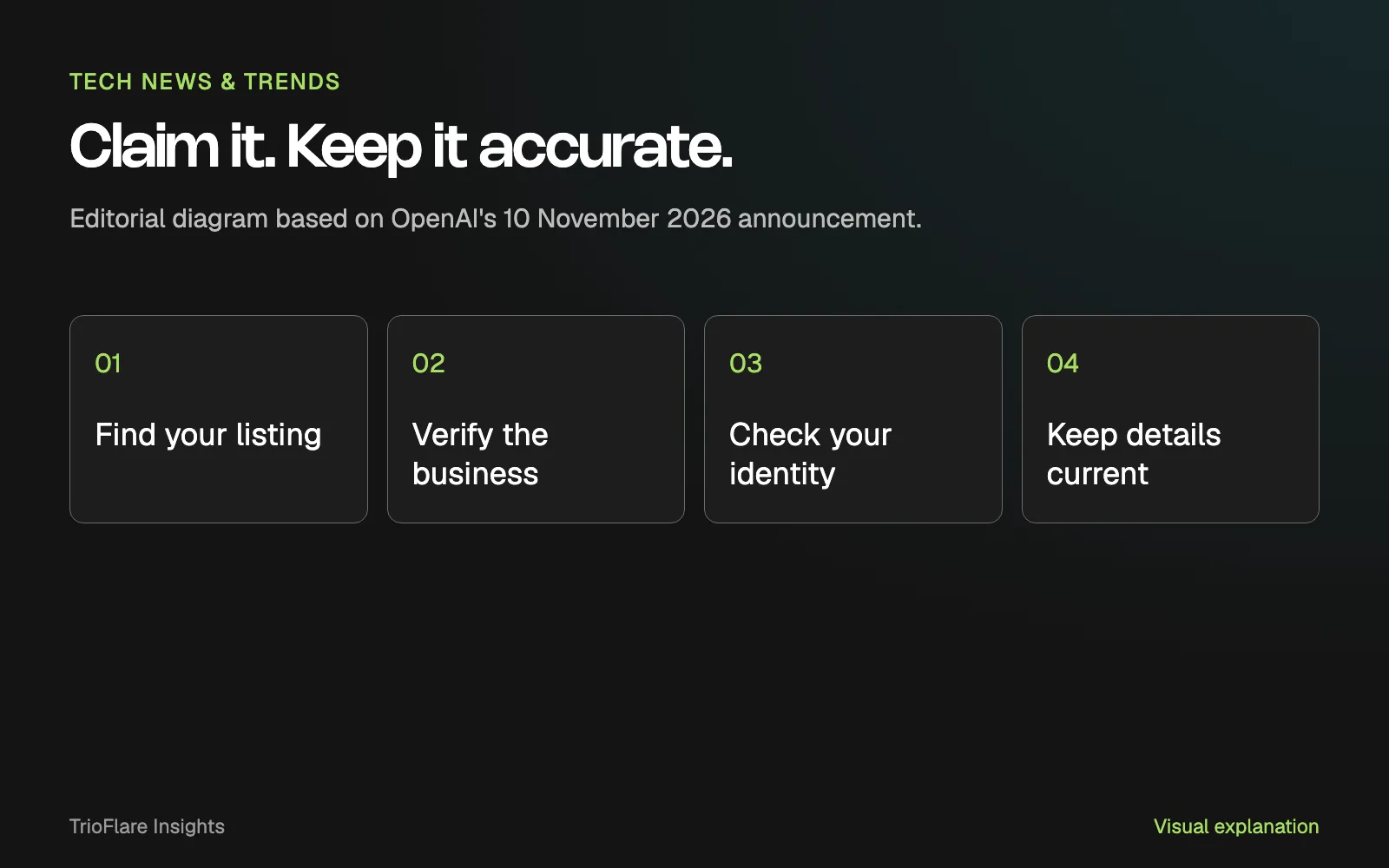
3. Find your listing in Business Hub
Open Business Hub from the sidebar and search for your business by name. Select the listing that matches, and confirm which ChatGPT account will manage it. If you can’t find it, an eligible online business may see an option to add it.
4. Verify that the business is yours
Business Hub offers verification methods depending on your business. These include a call or message to the business phone, a business email, your website domain, or a Shopify store connection.
Domain verification means adding a short text record to your domain’s DNS settings. DNS is the setting that tells the internet where your website and email live. Your web developer or domain provider can add it for you. Copy the record exactly as shown.
5. Complete the identity check
After the claim is approved, OpenAI asks you to verify your identity through Persona, a third-party identity checking service. You need this before you can publish changes, view insights or create a Business Agent. Keep your ID and business registration details ready, and make sure they match your official records. The blue verified tick appears only after this identity check is approved, not when you first claim.
6. Review the profile and keep it current
Check every field once your profile is live. Fix anything outdated, and update it when your hours, prices or services change. Remember that edits are reviewed before they appear.
Should you build a Business Agent?
Only if you are an eligible US ecommerce or online service business, and only if you can keep its information correct. An agent that gives a wrong price or an old returns policy can cause more trouble than having none. Start with your main products and questions, test it yourself, and review it regularly.
For everyone else, a claimed and accurate profile is enough for now.
Common questions
Will claiming my business bring more customers?
Not directly. OpenAI says claiming does not guarantee higher placement or sales. It helps make sure the details ChatGPT shows are yours and are current.
Can I see what people asked ChatGPT about my business?
No. You see grouped insights such as mentions, website clicks and common topics. OpenAI says it does not share individual conversations.
Is it free?
We found no fee for claiming on OpenAI’s pages at launch. Advertising is paid and separate. Check the current terms, since this is a beta.
What if someone else has already claimed my business?
Open the profile, choose the more options menu and select Dispute ownership, then verify that you represent the business. If the listing shows “Contact support” instead, it is locked, and OpenAI’s setup guide says to ask support for access from that screen.
A sensible next step
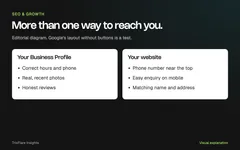
The claim itself is a small job. The bigger one is making sure your website clearly says what you offer, where you work and how to contact you, because ChatGPT and search engines read that too. Our guide on checking what AI tells people about your business walks through a simple way to test this.
If you would like a second pair of eyes on your website and listings, see our SEO services or get in touch.
Try this on your own project
Checks reset when you reload this page.
Key takeaways
- Claiming lets you correct your details and see some insights. It does not buy better placement.
- OpenAI says it does not share people's chats with businesses.
- Business Agents start with eligible US online businesses only.
- Clear, matching details on your own website still matter most.