Design & BrandingVisual guide
Your logo looks fine. Now shrink it to a WhatsApp icon.
By TrioFlare teamPublished Reviewed 4 min read
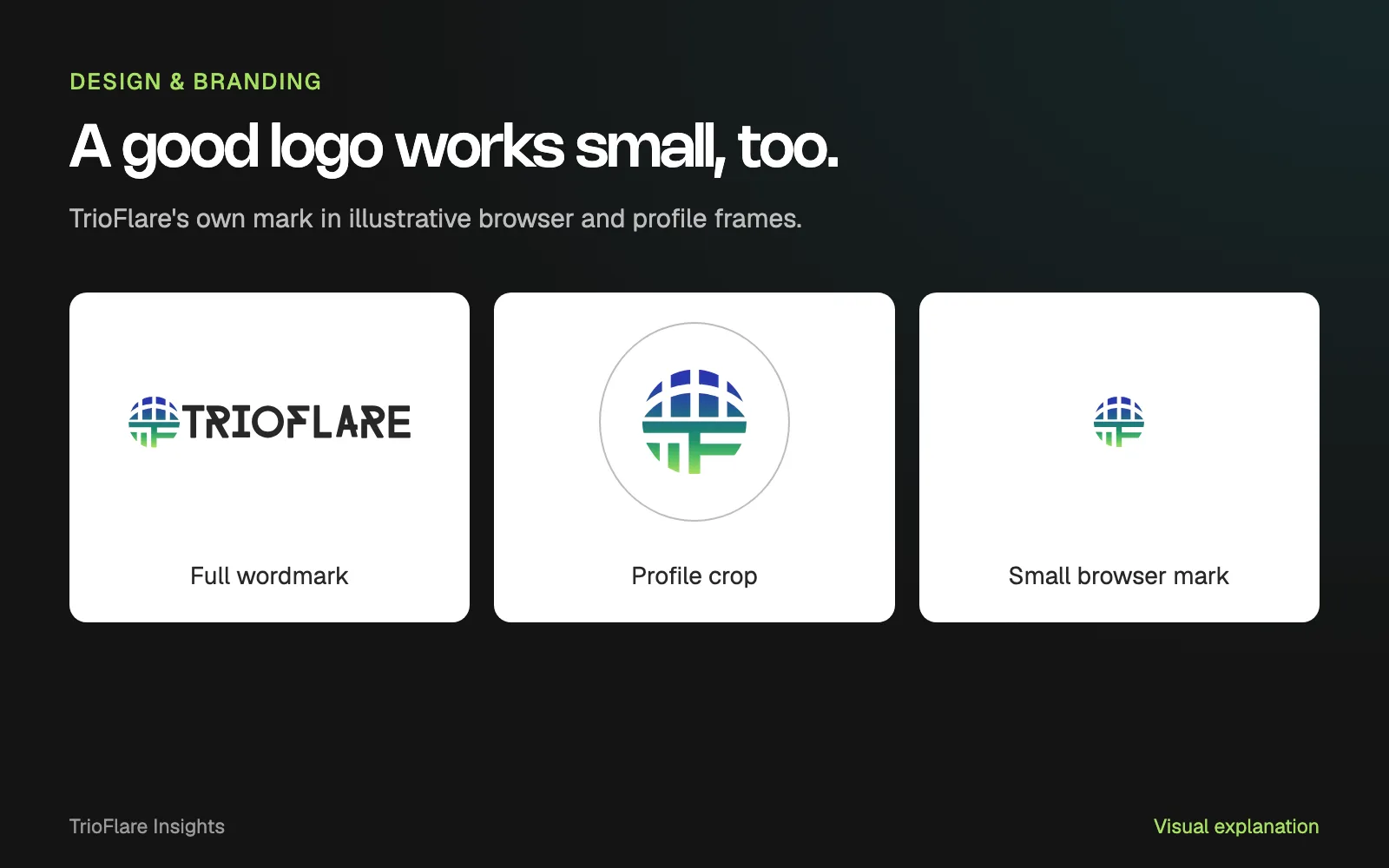
Select an image to open a larger version.
Open your business profile on a phone and look at the logo without zooming in. Can you recognise the mark? Can you read the name where the name needs to be readable? A large logo file can look clear in a presentation and lose its useful detail in a small space.
The quickest way to find that problem is to test the actual places people see your brand. Use the artwork you plan to upload and keep the surrounding interface visible.
The examples here use TrioFlare’s own logo in illustrative frames. They show the comparison to make, rather than a screenshot of a WhatsApp account or a claim about customer recognition.
Start with the places that matter
Make a short list: your website header, a business profile, a browser tab, an email signature and a document you send to customers. A restaurant or shop may also need a sign, a menu or packaging in that list.
Choose the places your business really uses. You do not need a huge collection of mockups to decide whether a mark is working. A few ordinary contexts often make the problem easier to see.
Capture the current view on a phone. Keep one version of each view as your reference. When you compare a new version later, use the same frame and viewing size so the comparison is fair.
Try the name and the symbol separately
A full wordmark has a different job from a small symbol. The name may be right for a website header while a simpler mark suits a compact profile image. That choice should be deliberate.
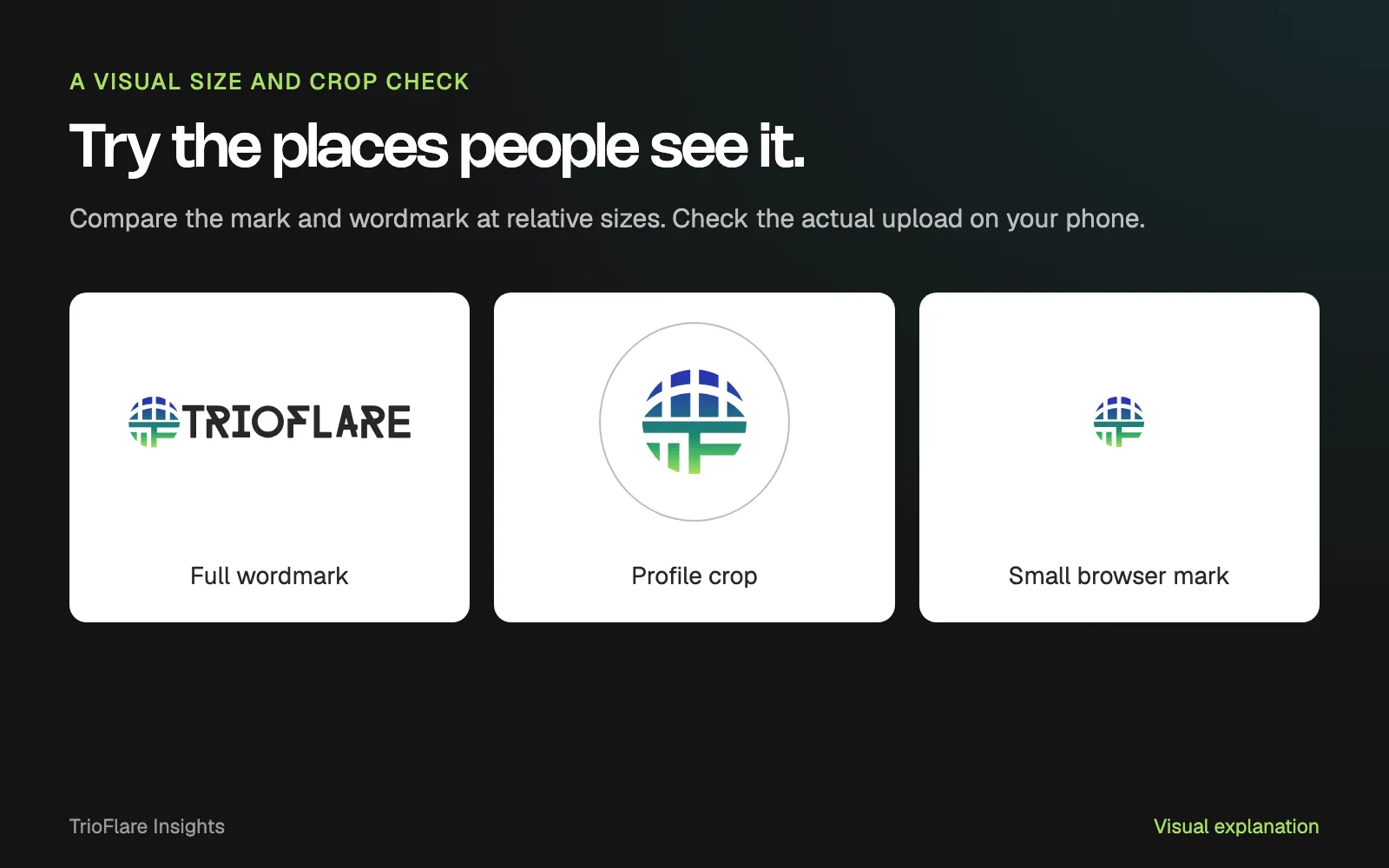
A relative-size comparison using our own artwork. Check the intended upload at its actual display size on your device.
Look at the small version first. Thin lines, tight gaps and a long name may become difficult to distinguish. Enlarging the image on your laptop to prove that it is technically sharp does not answer how it looks in the real interface.
If your symbol needs the full name to make sense, keep the business name nearby where the interface allows it. Do not assume a new customer already knows what the symbol stands for.
Give the crop some breathing room
Place the artwork in both a square and a circle. Check whether an edge, letter or important part of the mark is lost. Compare a tight crop with a little more space around it.
Too little space can cut off the design. Too much can make it disappear into the surrounding interface. The useful balance depends on the artwork and the place it will appear.
There are also platform-specific icon rules. For example, Google’s maskable-icon guidance explains how app icons can be cropped into different shapes and why their important details need a safe area. Check the current requirements of the platform you are uploading to.
Treat those specifications as part of the export. A profile image, a website favicon and a printed mark are different uses, even when they come from the same identity.
Compare the backgrounds you will use
Try the mark on the real header, profile or document background. Check the light and dark versions separately if you use both. A transparent export can look different when it lands on another surface.
Look for more than colour. Are the edges clear? Do small spaces stay open? Does an outline vanish? Ask someone unfamiliar with the design what they can read without giving them the answer first.
Record what you observe in plain words: “the last letters are hard to read” is easier to act on than “make it pop”. Keep the conversation tied to the place and viewing size where the problem appears.
| Context | Useful question |
|---|---|
| Small profile image | Does the important part survive the crop? |
| Browser tab | Is the mark distinguishable at a small size? |
| Mobile header | Can the name be read without crowding the navigation? |
| Document or invoice | Does it remain clear in the version customers receive? |
Export, upload and check again
Use the appropriate file for the destination and keep the original editable artwork. Upload the file, then view the result on the device your customer is likely to use.
Check the final upload rather than only the exported file. The receiving platform may resize or crop it. A tidy export folder is useful, but the customer sees the result inside the app or page.
Name your files so someone else can choose the right one. A short usage note can say which version belongs on a light background, which suits a small profile and where the editable originals live.
Sometimes the right fix is a better crop. Sometimes you need a simpler small-size version or a clearer wordmark. Start with the visual test before deciding that the whole identity needs to change. Our branding team can help build a logo set around the places your business uses it.
Try this on your own project
Checks reset when you reload this page.
Key takeaways
- Test the places where customers will see the logo.
- Keep important details clear when the mark is small or cropped.
- A useful logo set can include different versions for different spaces.